Deevid AI: AI Video Generator & Creative Studio

Type an idea or upload a photo, and Deevid AI turns it into a video or image. Make YouTube Shorts, product ads, animations, and cinematic scenes right in your browser.

Features

What you can make with Deevid AI

Videos, images, YouTube Shorts, and product ads, all from one account and one credit balance.

Deevid AI Video

Write a scene, get a video.

Describe the scene in a few sentences, or start from a photo or a reference clip. Deevid AI handles both text to video and image to video. Pick the length, aspect ratio, and resolution your model supports, then generate.

Create a video
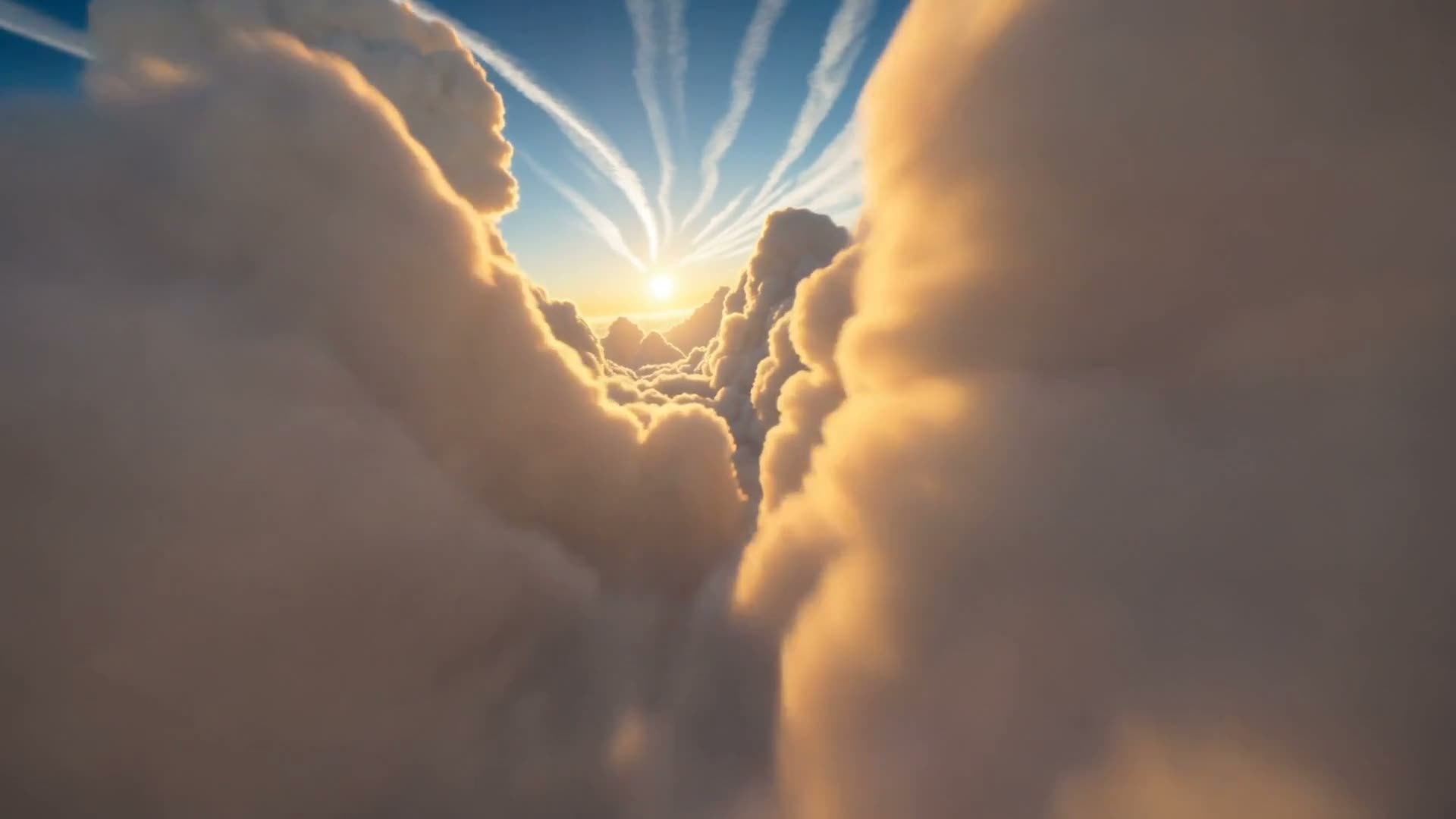
Golden sunlight breaking through a cinematic sea of clouds

Deevid AI Image

Pictures from a sentence or a photo.

Write a prompt for a new image, or upload one and change what you need: the background, the lighting, the style. Deevid AI works for portraits, illustrations, and product shots.

Create an image
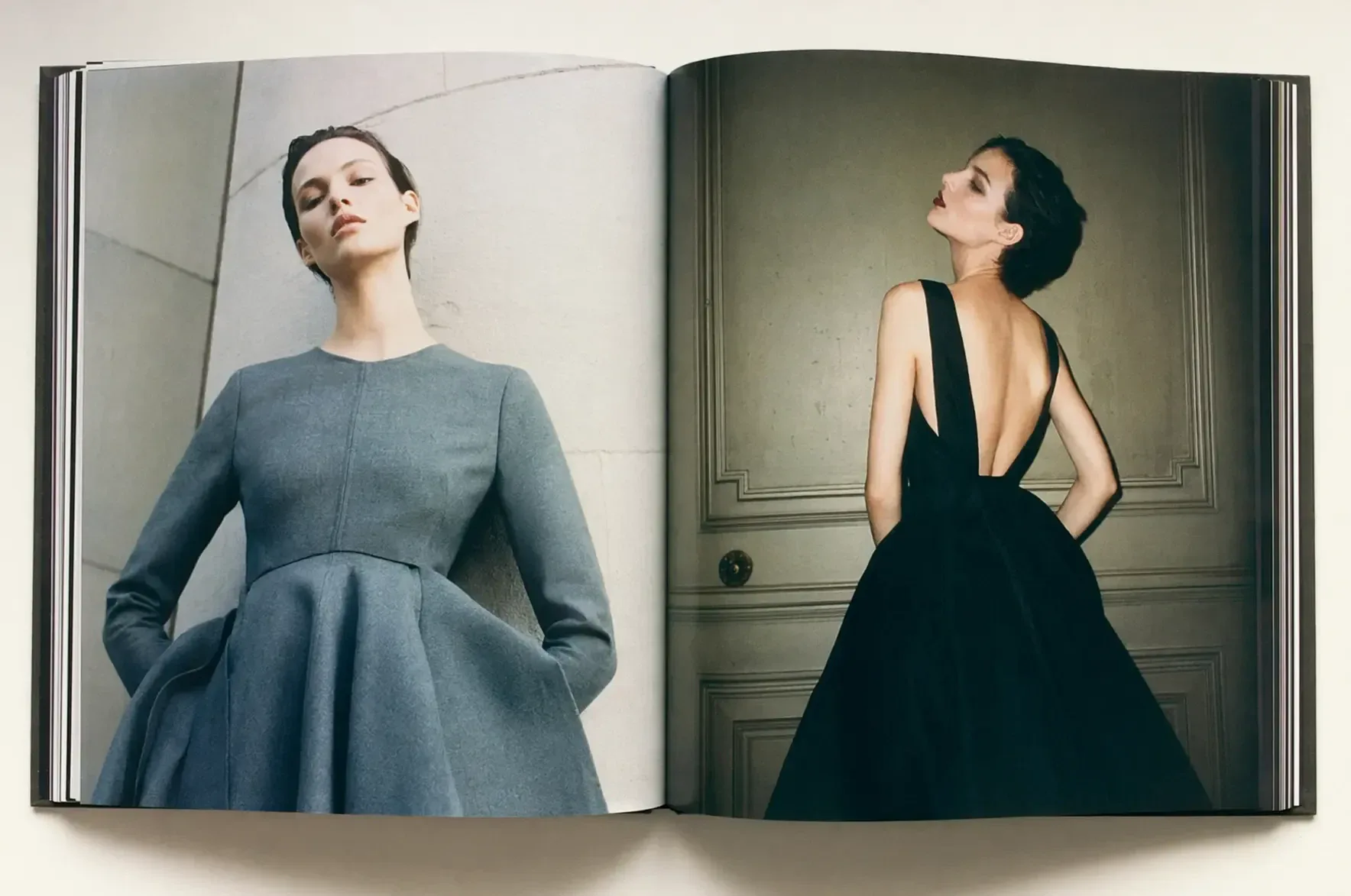
AI fashion editorial with two portraits arranged in a magazine spread

Deevid AI Short Studio

Vertical clips for Shorts, TikTok, and Reels.

Start from a prompt, an image, or an example and get a clip sized for the feed. Make a few versions in Deevid AI and post the one that works best.

Create a short
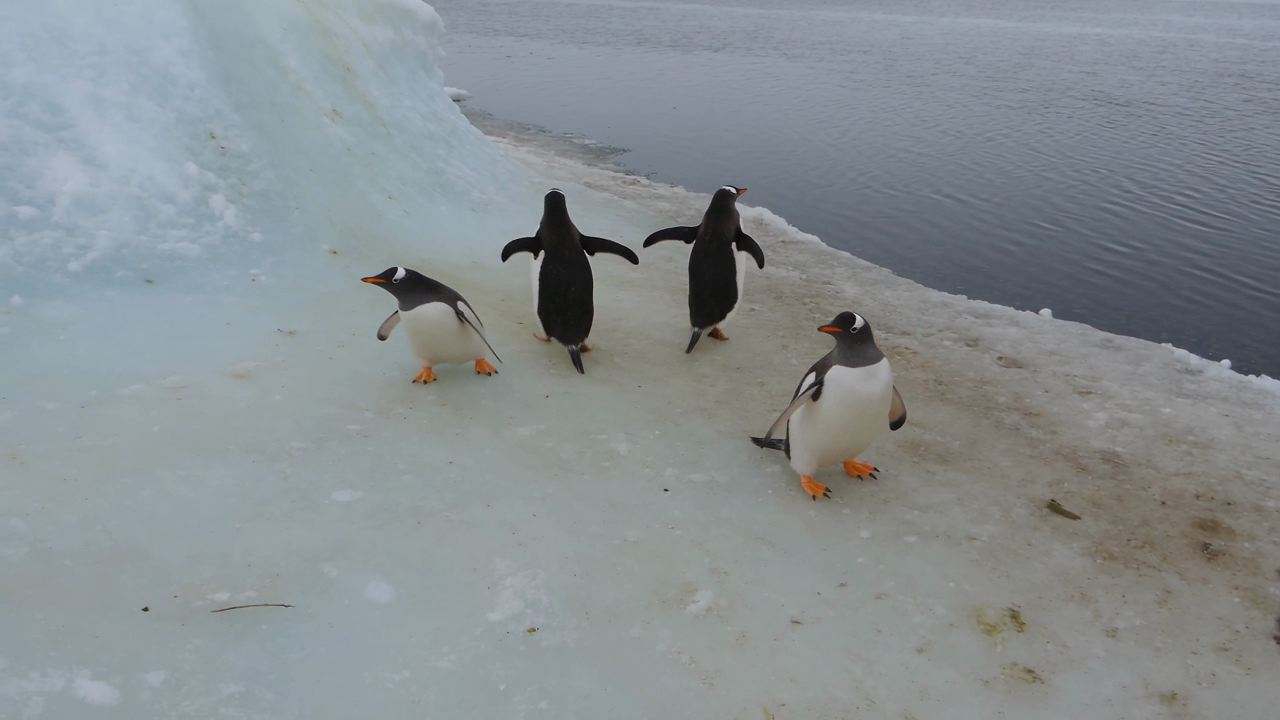
Playful penguins gathered on an icy shoreline

Deevid AI Ads

Product ads from one product photo.

Upload a product shot or write a short brief. Deevid AI turns it into reveal shots, lifestyle scenes, and UGC-style clips you can test in your next campaign.

Create an ad
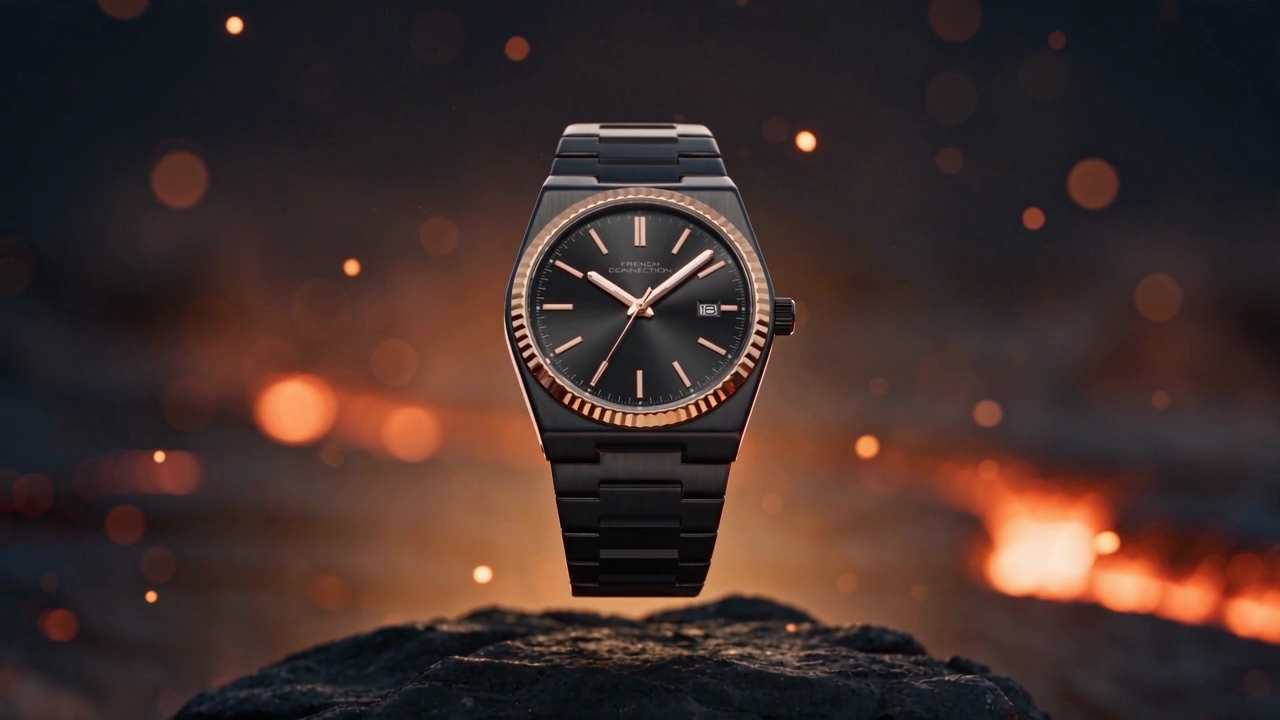
A VESPER watch revealed above volcanic rock and glowing embers

Create your way with Deevid AI

From social videos to product visuals, explore different ways to create with Deevid AI.

AI-generated portrait illustrating social video creators

Social video creators

Short-form storytelling

Turn a rough idea into a visual starting point for YouTube Shorts, TikTok, or Reels. Explore different scenes with Deevid AI, adjust the details, and develop a style that fits your next story.

AI-generated portrait illustrating independent filmmakers

Independent filmmakers

From concept to scene

Start with a written scene or reference image in Deevid AI and explore how it could look in motion. Experiment with mood, framing, and the controls available for your chosen model before taking the idea further.

AI-generated portrait illustrating e-commerce teams

E-commerce teams

Fresh product perspectives

Give a product photo a new creative direction. Use Deevid AI to explore settings, visual styles, and ad concepts, then compare your options before choosing the look for your next campaign.

AI-generated portrait illustrating content storytellers

Content storytellers

A starting point for every idea

Find a template that sparks an idea, then make the details your own. Explore the Deevid AI inspiration library and bring a starting point into the workspace to shape a new scene or story.

AI-generated portrait illustrating brand designers

Brand designers

Images and motion, together

Develop a visual concept with both image and video tools in Deevid AI. Explore portraits, illustrations, campaign visuals, and moving scenes while refining the look and feel of your creative direction.

AI-generated portrait illustrating independent creators

Independent creators

Create at your own pace

Choose a model, review the available settings and credit estimate, and generate when you are ready. Keep experimenting with Deevid AI and find your completed videos and images in Your creations.

Your favorite models. One Deevid AI studio.

From cinematic videos to expressive images, explore a range of AI models in Deevid AI. Choose the one that fits your next idea and make it your own.

  • MiniMax H3

    Text, image & reference video

  • Kling

    Motion & cinematic scenes

  • Seedance

    Bring visual stories to life

  • Google Veo

    Video with generated audio

  • GPT Image

    Images, edits & visual ideas

  • Wan

    Create & reimagine videos

  • Gemini Omni

    Explore a scene in motion

  • Grok Imagine

    Creative video generation

  • Nano Banana

    Reference-led image creation

  • Seedream

    Product & editorial images

  • Hailuo

    Turn ideas into short clips

  • HappyHorse

    Text & image to video

  • Runway

    Generate & transform video

  • PixVerse

    Prompt-to-video creation

  • Qwen Image

    Images from text & references

Pricing

Deevid AI pricing: plans and credit packs

Choose a Deevid AI monthly plan, annual plan, or one-time credit pack for your next video or image. Check the credit estimate for your selected model and settings before you create.

Up to23% off

Starter

500 credits/month

$9.90/month

  • All Features & AI Models
  • Up to 33 videos/month
  • Up to 500 images/month
  • Text, image, and reference-video workflows
  • Multiple AI video models in one workspace
  • Model-specific generation controls
  • MiniMax H3/H3 Max
  • Veo3.1 & Veo3.1 Fast
  • Seedance2.0/2.5
  • Kling V3.0
  • Wan
  • HappyHorse
  • Commercial-ready output quality
  • Flexible aspect ratios
  • Quality and size controls
  • Reusable prompt experimentation
  • Priority-ready support path
    Most Popular

    Pro

    1,000 credits/month

    $16.90/month

    • All Features & AI Models
    • Up to 66 videos/month
    • Up to 1,000 images/month
    • Text, image, and reference-video workflows
    • Multiple AI video models in one workspace
    • Model-specific generation controls
    • MiniMax H3/H3 Max
    • Veo3.1 & Veo3.1 Fast
    • Seedance2.0/2.5
    • Kling V3.0
    • Wan
    • HappyHorse
    • Commercial-ready output quality
    • Flexible aspect ratios
    • Quality and size controls
    • Reusable prompt experimentation
    • Priority-ready support path

      Max

      2,500 credits/month

      $39.90/month

      • All Features & AI Models
      • Up to 166 videos/month
      • Up to 2,500 images/month
      • Text, image, and reference-video workflows
      • Multiple AI video models in one workspace
      • Model-specific generation controls
      • MiniMax H3/H3 Max
      • Veo3.1 & Veo3.1 Fast
      • Seedance2.0/2.5
      • Kling V3.0
      • Wan
      • HappyHorse
      • Commercial-ready output quality
      • Flexible aspect ratios
      • Quality and size controls
      • Reusable prompt experimentation
      • Priority-ready support path

        Deevid AI FAQ

        Your questions about Deevid AI

        Learn how to create with Deevid AI, choose a model, manage your credits, and find your finished videos and images.

        Deevid AI is an online AI video generator and creative studio. Create videos from text, animate images, work with reference clips, or generate and edit images in one workspace. Choose a model and review the credit estimate before you generate.

        Use Deevid AI to explore cinematic scenes, animations, YouTube clips, viral-style shorts, product ads, portraits, and illustrations. Start from text or your own media, then refine the idea with the controls supported by your selected model.

        Deevid AI brings together MiniMax H3, Seedance, Kling, Google Veo, Wan, and other video models, alongside GPT Image, Nano Banana, Seedream, and Qwen Image. The model selector updates for your chosen creation mode, with available settings and a credit estimate.

        Deevid AI uses credits for video and image generation, with the cost based on your model and settings. Eligible new accounts receive 5 free credits after verification, valid for 30 days. Subscription credits arrive monthly and expire after 30 days, including on annual plans. One-time credit packs expire after 365 days.

        Yes. In Deevid AI, use Image to Video to animate a photo, or Reference to Video to guide a scene with supported image, video, or audio references. Image to Image lets you edit an existing visual. Supported file types, reference counts, and start/end frames depend on the selected model.

        Sign in to Deevid AI and open Your creations to view your generation history and preview completed results. Video downloads unlock after your first successful subscription or credit-pack purchase. Download the results you want to keep from your account.

        When a Deevid AI generation is marked as failed, its deducted credits are returned. If a result is missing or your balance looks incorrect, contact support@deevidai.com with the task details so the support team can check it.

        Yes. Deevid AI can generate short clips for YouTube Shorts, TikTok, Reels, and other social formats. Choose a supported vertical, square, or landscape ratio, describe your scene, and explore different creative directions. You can use the clips as part of a longer video or campaign.

        Browse the Deevid AI inspiration gallery, open an example, and select Use template to bring its starting point into the workspace. Adapt the prompt, add any required references, and review the settings and credit estimate. A template prepares your draft; generation starts when you choose to create.

        Deevid AI shows the durations, resolutions, aspect ratios, and audio options available for the model and mode you select. Options differ between models, so choose the output settings that fit your project and check the updated credit estimate before generating.